
A favorite view is something you want to share with someone.
We’ve placed new share icons in the summary section of each Topics page. When a scene or moment along the journey speaks to your heart, pass it gently along to someone.
One tap to your favorite app
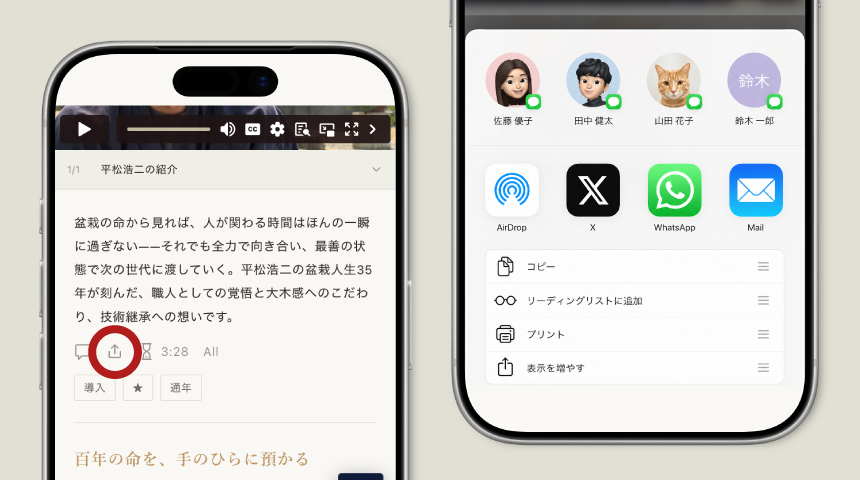
We’ve added a share button among the icons in the Topics page summary section.
Tap it, and your device’s share menu will appear, letting you pass the moment directly to the social media, messaging apps, or email you use every day.
On devices that do not support the share menu, a small window will open instead, allowing you to copy the link.
When you find a lesson that stays with you, please share it with your bonsai friends.
By sharing, the learning takes deeper root.
